




Webflow, Wix Studio or Next.js: Which stack fits your company?
Most agencies know one system and sell you exactly that. We build on all three. Here is the honest comparison - and which stack fits which company.
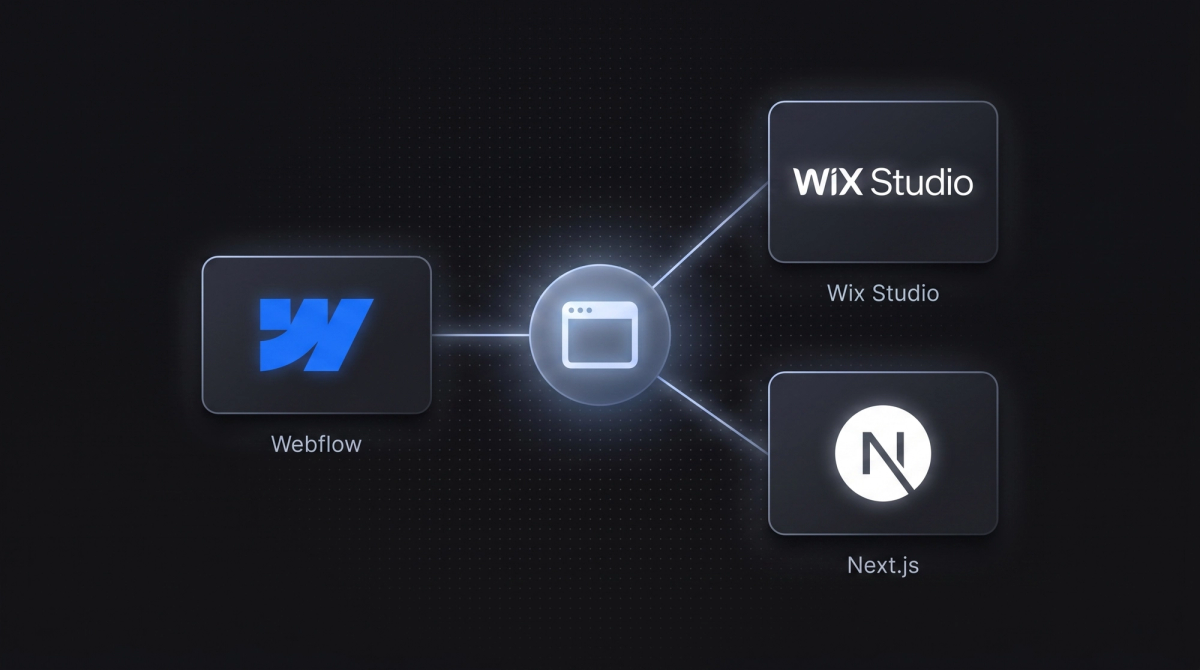
Most agencies master exactly one system. And recommend you - what a surprise - exactly that system. That is not advice, that is a sales pitch.
We build websites productively on Webflow, Wix Studio, and Next.js. Not on principle, but because different projects need different tools. That is exactly why we can make this comparison honestly: none of the three is "the best." There is only the right one for your project.
This article sorts the three by the criteria that really matter in B2B - effort, control, performance, maintenance, and cost - and ends with a clear recommendation by company type.
Key takeaways
- Webflow is the best default for most demanding B2B websites: design freedom, clean output, an easy-to-maintain CMS.
- Wix Studio is the fastest route on a tight budget - and with custom elements it does more than its reputation suggests.
- Next.js is the choice for maximum performance, full design freedom, or app logic - with the highest effort.
- The decision comes down to four questions: How custom? Who maintains the site? How important is top performance? Is there a tech team in-house?
- We pick the stack per project, not per agency preference.
The short answer first
If you only have 30 seconds: for 80% of B2B websites, Webflow is the right choice. It gives you high-quality design, clean code, and a CMS your team can run itself.
If it is mainly about speed and a leaner budget, Wix Studio is the pragmatic route. If you need a site that feels more like a product - complex interactions, peak performance, custom logic - there is no way around Next.js.
Webflow: the premium default
Webflow is a visual builder that outputs real, clean code. You design freely like in a design tool, but you get a website that is technically solid - not a clicked-together template mess.
Webflow is strong wherever design and content lead: company sites, marketing websites, pages with a maintained blog or case studies. The CMS is powerful enough for structured content and simple enough that your marketing team maintains texts itself. Where it needs to get custom, we extend with our own code.
The limits: very complex application logic or highly custom interactions need workarounds. And Webflow bills per page - on larger projects a factor worth planning for. For the vast majority of B2B sites, it is still the best compromise between quality, speed, and maintainability.
Wix Studio: the pragmatic route
Wix Studio has a reputation as a tool for quick standard sites. It does not quite shake that off - unfairly, when used right. It is the fastest route to a good website when timeline and budget are tight.
What many do not know: with custom elements, you can build far more on Wix Studio than the standard builder suggests - up to custom interactive elements and animations you simply would not expect there. We use it for exactly that: a high-quality result without the effort of a custom build.
The limits: less control over every detail than Webflow or Next.js, and it remains a hosted system with the corresponding rules. For companies that want to be online professionally fast, it is the most efficient option.
Next.js: maximum control
Next.js is not a builder, it is a professional web framework. Here the site is developed from scratch. That sounds like more effort - and it is. In return, there are no limits left: every animation, every interaction, every performance optimization is possible.
We use Next.js where it comes down to the last percent: sites that should feel like an Apple product, top scores in load time and Core Web Vitals, custom app logic, full design freedom without tool compromises. Our own website runs on exactly this stack - Next.js, a headless CMS for the content, plus modern animation tools. What that looks like on an enterprise project, we show in the FRAMEN making-of.
The limits: effort and cost are higher, and it needs a developer team to build and maintain it. For a simple company profile, that is overkill. For ambitious sites it is unmatched.
Comparison at a glance
| Criterion | Webflow | Wix Studio | Next.js |
|---|---|---|---|
| Design freedom | high | medium-high | maximum |
| Effort / cost | medium | low | high |
| Maintenance (own team) | very good | good | onboarding / dev |
| Performance | very good | good | maximum |
| Custom app logic | limited | limited | unlimited |
| Ideal for | premium sites | fast projects | ambitious sites |
Which stack fits which company?
You want a high-quality site your team maintains itself. → Webflow. The default for good reason: quality, control, and independence in maintenance.
Budget and timeline are tight, but the site should still look professional. → Wix Studio. Live fast, solid, with custom elements above the usual builder level.
Your website should stand out - premium feel, top performance, custom interactions. → Next.js. When the site itself should be a competitive advantage.
You are unsure. → That is exactly what the first call is for. We decide the stack based on your project, not on our convenience. Sometimes the honest answer is: Wix Studio is enough - save the money for Next.js.

Frequently asked questions
Finding the right stack for your project
You now know how the three differ. What you do not need to know: which of them fits your specific project. That is our job.
Tell us briefly what you have in mind - we will honestly tell you which stack makes sense and which would be wasted money. Just reach out through our contact form.
More Articles


Let's talk about your project.
20-minute call, no sales pressure. You describe what you have in mind, we tell you if and how we can help.