




Optimizing a landing page: the checklist
Optimizing a landing page means starting with the data, securing message match, getting clear above the fold, taking friction out of forms, and validating with A/B tests instead of guessing. The practical checklist for more B2B leads, with 2026 benchmarks.
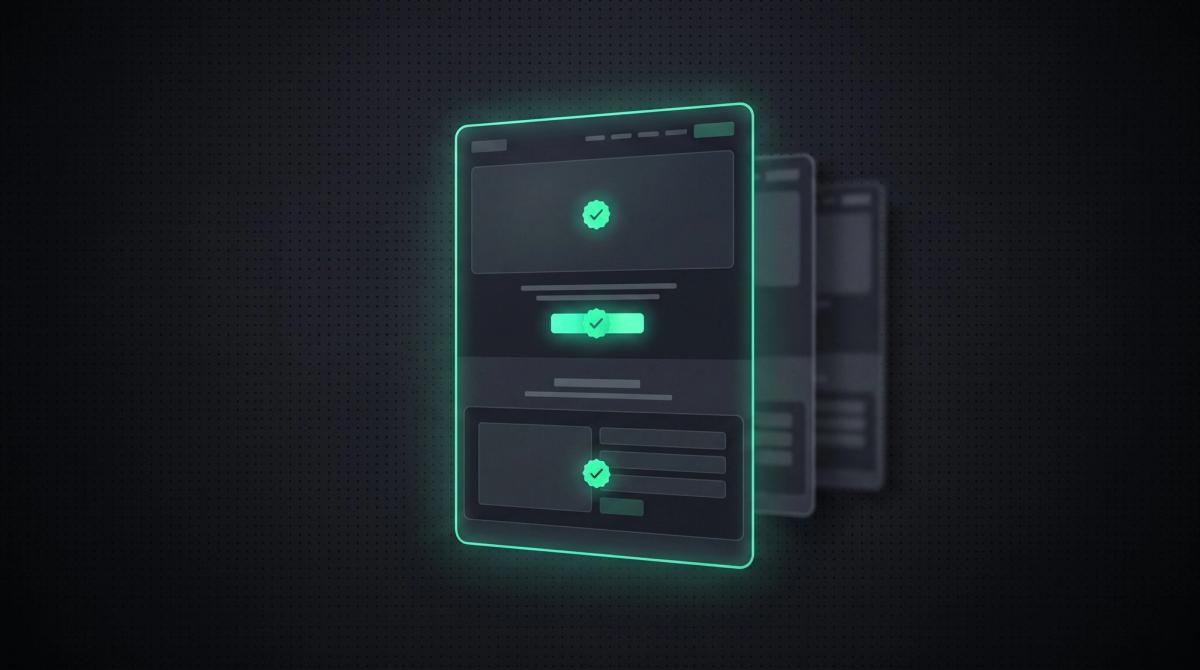
A landing page has exactly one job: to turn a visitor into a lead. Yet most pages leave conversions on the table because they try to do too much. Too many links, too many messages, forms that are too long, a CTA that drowns in the noise.
Optimizing a landing page is therefore less a design topic than a question of discipline. You remove everything that distracts from the goal and sharpen what leads to the click. This article gives you the practical checklist for it, with a clear B2B lead focus, and shows you how to prove your changes with A/B tests instead of guessing them.
Key takeaways
- Optimizing a landing page means one goal, one message, one strong call-to-action, and removing everything that distracts from it. Every extra element has to justify itself, otherwise it costs conversions.
- Do not start with looks, start with data. Where do visitors drop off, how far do they scroll, where do they abandon the form? Diagnose first, then change.
- Message match decides it: ad, email, and landing page must carry the same message. A break between click and page is one of the most common conversion killers.
- Above the fold counts most. In the first seconds it must be clear what you offer, for whom, and what the next step is. Studies cite around 7 seconds for the first impression.
- Performance is a conversion lever, not a pure tech topic. Even one extra second of load time can measurably lower conversion. Measure your Core Web Vitals before you tweak colors.
What does optimizing a landing page actually mean?
A landing page is a standalone page with exactly one goal: to move the visitor to a specific action, usually an inquiry, a sign-up, or a purchase. Optimizing it does not mean making it prettier, it means increasing the share of visitors who take exactly that action. The principle behind it is simple: the visitor acts when their motivation is greater than the friction in their way. So you raise motivation or you remove friction, usually both.
So we do not blur things, a clear boundary. What a landing page even is, which types exist, and how it differs from a homepage, we cover in What is a landing page. The overarching process for improving your whole website data-driven is in Conversion optimization. This article goes one level deeper and more concrete: the practical levers on an existing landing page that bring you more qualified inquiries.
Start with the data, not the looks
The most expensive mistake in optimization is recoloring buttons and rewriting headlines immediately, without knowing where the problem is. Before you change anything, get a picture of how visitors actually experience your page. Three metrics quickly show you where it is stuck.
Bounce rate tells you whether visitors leave right away. A very high value, especially on lead landing pages, is an alarm signal for an unclear message or a break from the ad. Scroll depth shows how far visitors even get, whether they see your CTA or drop off before. And the form abandonment rate reveals where in the form people quit, often exactly at that one field too many.
You get this data with a web analytics tool like Google Analytics 4 and a behavior tool like Microsoft Clarity or Hotjar. Heatmaps and session recordings show what gets clicked, how far people scroll, and where users get stuck. In B2B with little traffic especially, these qualitative insights often deliver more than raw numbers, because ten carefully watched sessions tell you more than a statistically too thin A/B test.
Message match: the message has to carry through
The visitor clicked an ad, an email, or a search result because a concrete promise spoke to them. If they do not find that promise again on the landing page immediately, a break occurs, and this break is one of the most common and most underrated conversion killers. The visitor subconsciously asks: am I in the right place? And in doubt, they leave.
Message match means ad, email, and landing page carry the same language, the same offer, and the same imagery. Whoever bids on the keyword warm socks must not land on a generic sock homepage but on a page that talks about exactly warm socks. Check every traffic source individually: if the ad promises X, does the page then visibly deliver X in headline and image? This single alignment costs almost nothing and lifts conversion often more noticeably than any button optimization.
The optimization checklist
Once the diagnosis is in and the message carries through, you work through the concrete elements. These points work on almost any landing page because they either raise motivation or lower friction. Go through them top to bottom, the way the visitor experiences the page.
Above the fold: the first screen
The area the visitor sees without scrolling decides between staying and leaving. Studies cite around 7 seconds for the first impression. In that time it must be clear: what is this, who is it for, why is it better, and what is the next step. A strong headline names the benefit concretely, a subheadline delivers the proof or the for-whom, and the primary CTA is visible without scrolling. A fitting hero image or a short video supports the message instead of decorating it. Everything that competes for attention here weakens the one thing that counts.
Exactly one goal and one strong CTA
A landing page pursues a single goal. Several equally weighted action options paralyze the decision. The call-to-action names the benefit, not the effort: Request a free analysis works better than Submit. On longer pages you place the CTA again after every essential section, so the convinced visitor does not have to scroll back up first. One goal does not mean one button, it means one action, repeated as often as the page length demands.
Cut the distractions
Unlike a normal website, a landing page lives on leaving things out. The main navigation, competing links, a full footer, and alternative offers are usually ballast here. Every element that can lead the visitor away from the one action belongs on the test bench. Removing navigation and unnecessary options is one of the few measures that almost always helps measurably, because it lowers friction directly.
Social proof exactly where the decision is made
People convert when doubt is smaller than desire. Customer logos, concrete case numbers, real testimonials, and references lower the perceived risk. In B2B, traceable results and real cases count more than star ratings. Placement is decisive: trust signals belong next to the CTA and near the decision, not only in the footer. Staying honest applies here too, a fabricated testimonial gets exposed faster than it helps.
Short, guided forms
The form is the biggest friction point on almost every lead landing page. Ask only for what you truly need, because every extra field lowers the completion rate. As orientation, a low single-digit field count is a good starting point, anything above has to justify itself. For longer flows it helps to split the form into steps and show progress. Visible labels, direct validation with the error message under the field, and on mobile the right keyboard per field type additionally take out frustration.
Load time and mobile first
Performance is a conversion lever, not a pure tech topic. Even one extra second of load time can measurably lower conversion, on mobile even more. Optimized images, fewer blocking scripts, and a stable layout without jumping content act directly on the completion. And because mobile traffic is often the majority but converts worse, you treat the mobile experience on its own terms, not as a shrunken desktop version. Buttons too small, forms too long, and restless layouts fail exactly here. How to measure and fix the technical side concretely is in Core Web Vitals.
What is a good conversion rate for a landing page?
The honest answer: it depends on industry, offer, and traffic source. What is meaningful above all is the comparison with your own baseline. As rough orientation, the Conversion Benchmark Report by Unbounce serves, based on an analysis of around 41,000 landing pages. The cross-industry median there sits at about 6.6%, but the range between industries is enormous.
Landing page conversion rates by industry (Unbounce, based on ~41,000 pages)
| Context | Conversion rate |
|---|---|
| Cross-industry median | ~6.6% |
| Events | ~12.3% |
| Financial services | ~8.4% |
| SaaS / software | ~3.8% |
| E-commerce (cross-page, WordStream) | ~2.4% |
| Top 10% of all landing pages | from ~11.5% |
Test instead of guessing: A/B and multivariate
Best practices are things that worked for others. Whether they work for your audience, you only know once you measure. In an A/B test you compare two variants with real visitors. Three rules decide the validity: test only one element at a time, otherwise you do not know what worked; run the test until it is statistically robust, at least one full business cycle; and document every test, including the losers, because even a failed test is an insight about your audience.
With little traffic there are two practical tricks. Test high-contrast variants instead of mini changes like button colors, because a strong difference delivers a clear signal faster. And, if needed, work with a slightly lower significance level to keep the runtime realistic. The multivariate test, where several elements are tested in combination at once, is powerful but needs a lot of traffic and therefore pays off more on heavily frequented pages. For most B2B landing pages, the clean A/B test is the right tool.
After the conversion is not the end
One point almost all checklists forget: the thank-you page is wasted potential if it only says thank you. The visitor has just shown trust, which is the best moment for the next sensible step. Offer something concrete on the confirmation page: a fitting appointment, a helpful piece of content, a clear outlook on what happens now. In B2B, where the actual decision often falls only in a conversation, the qualified inquiry is just the beginning. The landing page optimizes the path there, the follow-up communication turns it into a customer.
Why we build landing pages for conversion from the start
Most guides treat optimization as a repair after the fact. For us conversion is not an afterthought but part of the blueprint. As a B2B studio for Webflow and Next.js, we design structure, load time, message, and trust-building for the one action from the start. This is exactly where the difference between a pretty page and one that sells is decided: above-the-fold clarity, real performance instead of page-builder ballast, a design that radiates competence, and a page built technically so it loads fast and works cleanly on mobile.
Add a point many underrate: a page that converts for humans is usually also the one clean enough technically to be visible in search and AI answers. Whoever thinks both through from the first line of HTML has to patch less later. If you want to set up your landing page properly instead of patching it endlessly, talk to us.
Frequently asked questions
Start with the data: check bounce rate, scroll depth, and form abandonment with a tool like Google Analytics 4 and Microsoft Clarity. Then ensure message match between ad and page, a clear message above the fold, exactly one goal with a strong CTA, low friction in the form, visible social proof, and fast load times. Validate changes via A/B test instead of gut feeling.
The above-the-fold area, meaning visible without scrolling, has to answer four questions within seconds: what is this, who is it for, why is it better, and what is the next step. Concretely that means a benefit-oriented headline, a supporting subheadline, a visible primary CTA, and a hero image that backs the message. Studies cite around 7 seconds for the first impression.
It depends heavily on industry and traffic source. According to Unbounce the cross-industry median is around 6.6%, with big differences: events convert around 12% on average, SaaS closer to just under 4%. The top 10% of all landing pages reach 11.5% and more. The only truly meaningful comparison remains your own baseline.
As few as possible, because every extra field lowers the completion rate. A low single-digit field count is a good starting point, anything above should justify itself. Ask only for what you truly need for the next step. For longer flows it helps to split the form into steps with visible progress instead of demanding everything at once.
At least one full business cycle, so often one to two weeks, so that weekday fluctuations are balanced out and the result is statistically robust. With little traffic it helps to test high-contrast variants instead of mini changes and not to stop the test too early. Never decide based on a few days, that is guessed, not tested.
Yes, directly. Even one extra second of load time can measurably lower conversion, on mobile often even more clearly, and the bounce probability rises noticeably when load time grows from one to three seconds. Performance is therefore not a pure developer topic but a direct conversion lever. Measure your Core Web Vitals before you tweak colors and copy.
More Articles


Let's talk about your project.
20-minute call, no sales pressure. You describe what you have in mind, we tell you if and how we can help.