







Astro vs Next.js: Which Framework to Pick
Astro vs Next.js compared: Astro for content-driven sites, Next.js once app logic appears. Table, our own measurements and a clear decision rule.

Astro fits content-driven business websites, Next.js takes over once app logic appears: logins, live data, or data the server fetches per request. Both are open source, both run on the same infrastructure, both hand you every lever Google and AI crawlers read. The difference sits in what the browser has to download and what the server can still do at runtime. Our default for B2B is Astro with Sanity, Next.js comes in when app logic does. This article gives you a ten-criteria table, numbers from our own projects and two lists that settle the question in five minutes.
The short answer
Pick Astro when your website delivers content: home page, services, case studies, knowledge articles, landing pages, careers. Pick Next.js as soon as app logic joins in, meaning a gated login area, data that changes constantly, or content the server assembles per visitor on every request. There is no grey zone between those two cases that you would have to fill with taste.
Our default for B2B websites is Astro with Sanity as the content database, a content system without its own front end that delivers content through an interface. We reach for Next.js as soon as logins, live data or server-side data per request are required. We run both in daily operation: in-sync.io itself runs on Next.js, leanwave.com runs on Astro.
Both frameworks give you full access to rendering, structured data, sitemaps and caching. That is what matters to Google and to AI crawlers, and on that front they are equal. They differ in what the browser has to download, and in what the server can still do at runtime.
What Astro and Next.js are
Both are JavaScript frameworks for websites, both produce HTML, both run on hosting platforms like Vercel. From there they part ways, and the fork is about when the HTML is created and how much code keeps working in the browser afterwards.
Astro: HTML at build time, JavaScript only for islands
Astro, often written as Astro JS, turns your pages into finished HTML at build time and stores them as files. Interactive elements like a search field, a pricing calculator or a carousel ship as islands, meaning single interactive spots inside an otherwise static page that carry their own JavaScript and boot independently. Everything else stays plain HTML. You can mix components from React, Vue, Svelte or Solid in the same page, because Astro only uses them to render.
Next.js: React with a full runtime
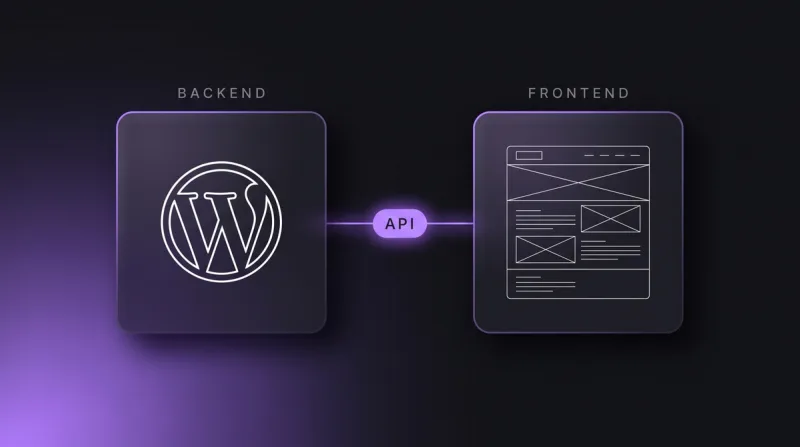
Next.js is a React framework with server rendering (HTML created on the server when the request arrives), static builds, React Server Components and a full runtime. Behind it runs a server process that can manage sessions, query databases, accept form submissions and expose API routes, meaning your own interfaces for other systems. With that you are no longer building a website, you are building an application that also works as a website.
Astro vs Nextjs: ten criteria compared
The table below compares both frameworks along the points that actually decide things in our projects. It does not replace an architecture decision, but it shows where the differences sit.
| Criterion | Astro | Next.js |
|---|---|---|
| Default output | Static HTML at build time | HTML from the server at runtime |
| JavaScript in the browser | 0 KB, except for islands | React runtime from the first page |
| Rendering models | SSG, SSR and hybrid, per page | SSG, SSR, ISR, Server Components, streaming |
| UI libraries | React, Vue, Svelte, Solid side by side | React |
| Data sources and CMS | Fetched at build time, rebuild via webhook | Fetched at build time or per request |
| Interactivity and app logic | Single islands, no shared state across pages | Full application including logins and sessions |
| Images and assets | Own image component, optimised at build time | Image component with optimisation at runtime |
| Hosting | Any static file host or a CDN, a global delivery network | Needs a Node runtime or edge functions |
| Learning curve | HTML, CSS and a little JavaScript get you started | React knowledge is a prerequisite |
| Typical use | Marketing site, knowledge hub, landing pages | Portal, login, configurator, product interface |
Shipped JavaScript and performance
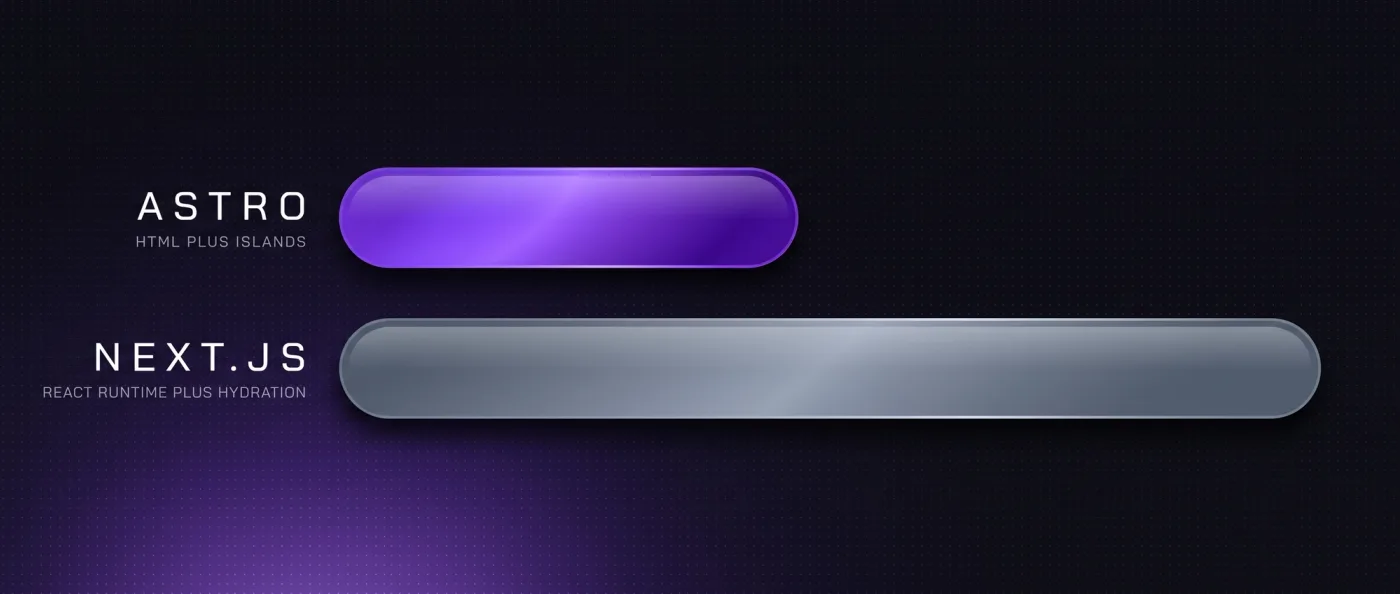
Astro ships 0 KB of JavaScript for static content by default. Scripts load only where you place an island. Next.js sends the React runtime along, even when the page ends up showing nothing but text and images. That is not a flaw in Next.js, it is the price of a runtime that keeps working in the browser.
How large the gap gets in practice shows in our own measurement from 13 September 2026. leanwave.com, which we build statically with Astro, loads roughly 39 KB of JavaScript in three files on its homepage. One of our Webflow client sites loads roughly 740 KB in thirteen files at the same spot. We deliberately quote no PageSpeed values alongside, because those depend on the moment and the test device. Less JavaScript means less work for the device, and that feeds straight into Core Web Vitals, Google's measurements for loading behaviour and stability.
A cleanly built Next.js project can be very fast too. It just takes more discipline: Server Components instead of client components, bundles kept under review, libraries used sparingly. In Astro the lean state is the default, in Next.js it is a decision your team has to make again in every sprint.
Rendering models compared
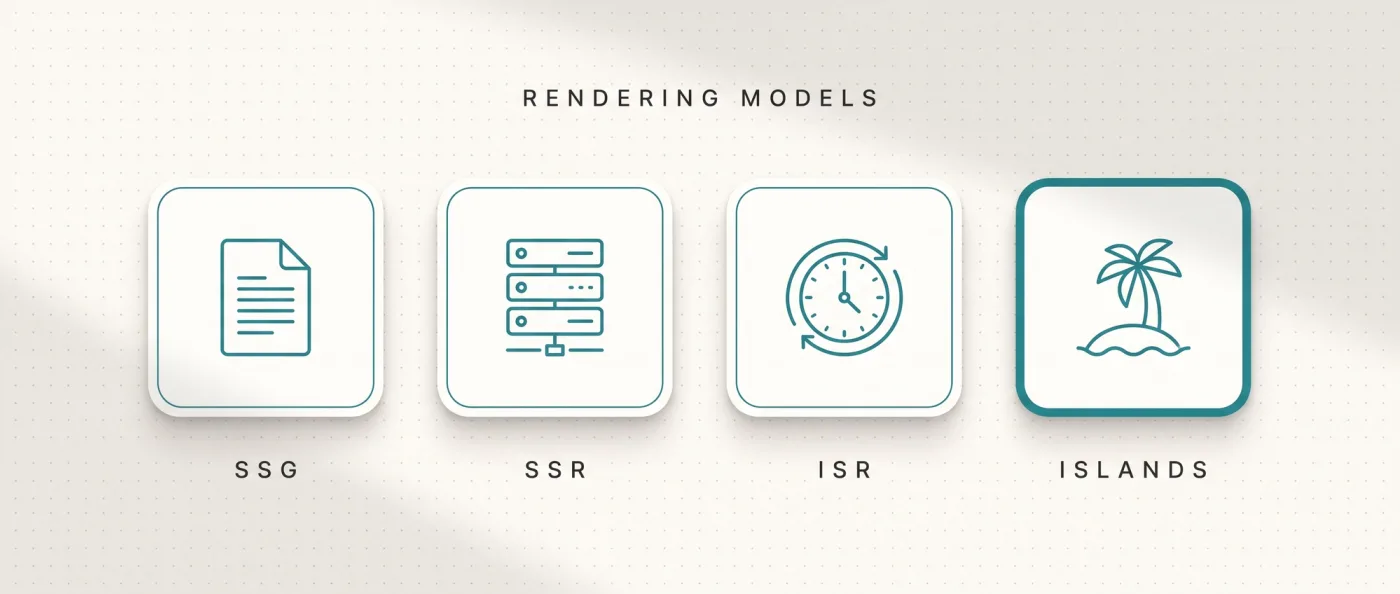
Rendering answers one question: when is the HTML created that browsers and crawlers see. SSG means static site generation, finished HTML at build time. SSR means server side rendering, HTML the server creates on every request.
Astro does both and lets you decide per page. A service page goes static, a search results page goes server-side. Static stays the norm, and static means delivery without computation, everywhere in the CDN, with no dependency on a running process. The price is the rebuild. When an editor changes a line, a new build runs, at LeanWave triggered by a webhook, an automatic call Sanity fires on every change.
Next.js adds two more models on top. ISR refreshes single pages after a set interval without rebuilding the whole website. React Server Components render components on the server and send only the result to the browser. Both pay off once you have many pages changing independently, or content that differs per user. For a marketing website with thirty to two hundred pages you rarely need them.
Content and CMS integration
Both frameworks work with a headless CMS, a content system that delivers content as data only and dictates no design. We use Sanity for that. The content model, the queries and the rendering live in code, not in an interface that sets your limits for you.
With Astro the build fetches content once and writes files from it. With Next.js you can additionally query per request whenever a piece of content has to be current. In both cases you drive the whole chain programmatically: content model, templates, rendering, schema, sitemap, internal linking and deploy. AI agents can create and check content through the API and through an MCP server, a standardised interface for AI tools.
That is not a distinction against page builders: Webflow, Wix, Contentful and Storyblok have official MCP servers and APIs as well. The real difference sits elsewhere, namely in item and collection limits, in template limits (one template is tied to one collection), in API rate limits and in the missing code-level access to rendering, caching, schema logic and internal linking. How that plays out against Webflow and Wix Studio is written up in our platform comparison. One rule holds in both frameworks: programmatically generated pages need real substance per page, otherwise Google devalues them as doorway pages, pages that exist only to cover a keyword. We lived through that on our own old website.
Interactivity and where Astro hits its limits
Astro covers every form of interactivity that happens inside one page. A form with validation, a filter above a list, an animation on scroll, a 3D element: all doable, wired in as an island, costing the rest of the page nothing. Our animation projects run exactly that way.
The limit is shared state across page changes. A cart that follows the visitor over five pages. A customer portal with permissions and roles. An interface where users create data and see it reflected immediately. The moment you start building your own state management and your own server layer inside Astro, you are rebuilding Next.js without its tooling. That is where we switch.
Second limit: personalised content per request. When every visitor sees something different because they are logged in or come from a certain country, the static build loses its advantage. Astro can render server-side, but then you are comparing it to Next.js on home turf, and there Next.js has the more mature toolbox.
SEO and GEO levers: a tie between the two
Rendering, structured data, sitemaps, hreflang and caching are code-level in Astro and in Next.js alike. Both deliver HTML that crawlers can read without executing JavaScript. No framework ranks on its own, both hand you every lever Google and AI crawlers read.
In practice that means schema markup like FAQPage or Organization is generated from the same data you build the page from. The sitemap comes out of your routes automatically. hreflang, the markup that says which language version belongs to which country, is set reciprocally including x-default. An llms.txt, a machine-readable overview of your content for AI systems, is just a route in either framework. Canonical tags, which tell Google the authoritative URL, belong in the template in both. More on that in technical SEO and in our take on generative engine optimization.
The one difference with SEO impact is indirect: less shipped JavaScript improves loading behaviour on weak devices, and loading behaviour is one ranking factor among many. That favours Astro, but it never outweighs a portal feature you actually need.
Team and learning curve
Astro is approachable for developers who know HTML, CSS and some JavaScript. The component syntax sits close to HTML, and you do not have to learn React to build a complete website. Anyone who does know React simply brings it along for the islands.
Next.js requires React knowledge, and since React Server Components an understanding of which code runs on the server and which runs in the browser. That is learnable, but it is the steeper curve, and mistakes there cost exactly the performance you chose Next.js for.
For your selection that means: ask first who maintains the website in two years. If your company has a React team, Next.js is defensible even for pure content pages. If nobody internal owns it and an agency handles development, Astro is the smaller risk, because onboarding a successor takes less time. What either route costs is laid out in our overview of web development costs.
Can you combine Astro and Next.js?
Yes, and on larger accounts it is the norm. The marketing website runs on Astro, the product or customer portal behind it runs on Next.js, both on the same domain, split by a path like /app or by a subdomain. For visitors the transition is one click, for crawlers it is an ordinary link.
Both halves pull their content from the same Sanity database. Prices, product names, legal texts, translations: maintained once, current in both places. The marketing side fetches at build time, the application per request. Having both read the same content model removes exactly the duplicate maintenance that drifts apart after six months in separate systems.
If you are coming from an existing platform, plan that split into the relaunch project itself. How we protect rankings while doing it is written up in our piece on relaunch without SEO losses: a crawl beforehand, a ranking snapshot, a 1:1 redirect map for every old URL, then two weeks of monitoring with a 404 report.
When Astro, when Next.js
The decision comes down to whether your website delivers content or executes logic. The two lists below cover the cases we meet in projects.
Pick Astro when
Your website is a content project at heart that should load fast and be found easily.
- The focus is content: services, case studies, a knowledge hub, landing pages, careers.
- You want to ship as little JavaScript as possible, because a relevant share of your visitors arrives on mobile.
- Multilingual with translated URL paths is on the roadmap, like LeanWave with English at the root and German under /de.
- Your team or your agency does not work with React every day.
- There is no login and no data that has to be recalculated per request.
Pick Next.js when
Your website is part of a product, or is meant to become one.
- There is a gated area with user accounts, permissions or roles.
- Data changes constantly and has to be current on every request, for example availability or prices from an ERP system.
- You need your own API routes, because other systems talk to your website.
- Your company has a React team that will keep developing the code long term.
- Content gets personalised, by industry, country or contract status.
Our verdict
Astro is our default for content-driven business websites, Next.js our tool the moment app logic appears. We have held that rule for two years, and it has held up in every project where we applied it.
LeanWave, the website of Otto ID Solutions for RFID in textile services, we build statically with Astro and Sanity on Vercel: bilingual with reciprocal hreflang including x-default, translated URL segments, 64 documents and 86 image assets, rebuilt via webhook on every change. For Yarowa we ported a five-language Webflow export 1:1 to Astro: 21 page templates, 163 sections, design untouched, with the move to Sanity and Presentation Mode planned. Ullsteinhaus (Astro, React, Three.js, Sanity) and Monteval (Astro, GSAP, Sanity) run on Astro as well.
in-sync.io itself sits on Next.js, because we use server rendering and server-side data per request: 49 knowledge articles, 10 service pages and 17 city pages all come out of one Sanity database, bilingual with hreflang, plus llms.txt, IndexNow and FAQPage schema. To be straight about it: the old Wix site ranked for close to nothing, the new one went live in June 2026 and is building its rankings now. If you are unsure which route fits your project, our web design and development consultation looks at the actual feature set before any framework is fixed.
Frequently asked questions
Astro or Nextjs: which is better for business websites?
It depends on whether your website delivers content or executes logic. For marketing websites, knowledge hubs and landing pages we use Astro, because it ships 0 KB of JavaScript for static content. As soon as a login, live data or server-side data per request enter the picture, we use Next.js. Both give you the same SEO levers in code.
What is the Astro framework?
Astro is an open-source framework that turns pages into finished HTML at build time and ships JavaScript only for interactive parts, the islands. You can mix components from React, Vue, Svelte or Solid inside one page. The output is static files that run on any web host or CDN, with no server process behind them.
Can Astro use React components?
Yes. Astro renders React components to HTML at build time and loads their JavaScript only when you mark the component as an island. Ullsteinhaus works that way, with Astro, React and Three.js for the 3D parts. You can even run React, Vue and Svelte side by side in one project, which Next.js does not provide for.
Does Next.js always need a server?
No, Next.js can export pages statically too. But then you lose the very features you picked Next.js for: server rendering per request, API routes and ISR. If you are exporting statically anyway, Astro is the more direct route, because you save the React runtime in the browser.
Can an Astro website move to Next.js later?
Yes, and the effort depends on where the content sits. If it lives in Sanity rather than in the templates, you swap only the front end and the content model stays. We bill that kind of rebuild as a relaunch project, our relaunch packages start at 8,000 € net, and a marketing website with 10-30 pages typically takes 3-6 weeks to go live.
What does an Astro or Next.js website cost to run?
Both come with close to no recurring platform fees. Sanity Free covers 20 seats, 10,000 documents and 100 GB of assets, Vercel Pro costs 20 $ per month and developer seat with no base fee per project. You typically land at 0-20 $ of hosting per month. Additional languages carry no per-language surcharge with us.
Next step
Send us the requirements for your next website and we will tell you whether Astro or Next.js is the shorter route, before a line of code exists.